













Over the last few months, we have started a major but gradual redesign of our web interface, the Console. Under the leadership of Hubert Sablonnière, whose team is welcoming new developers, the modules are refined and managed in an increasing way through Web Components (see this talk).
An editor accepting JSON format
The last change released is related to the environment variables management. Until now it was proposed with a Simple or Expert mode. We have added a third, using JSON format. You can read/write in it, and so export or paste a complete configuration:
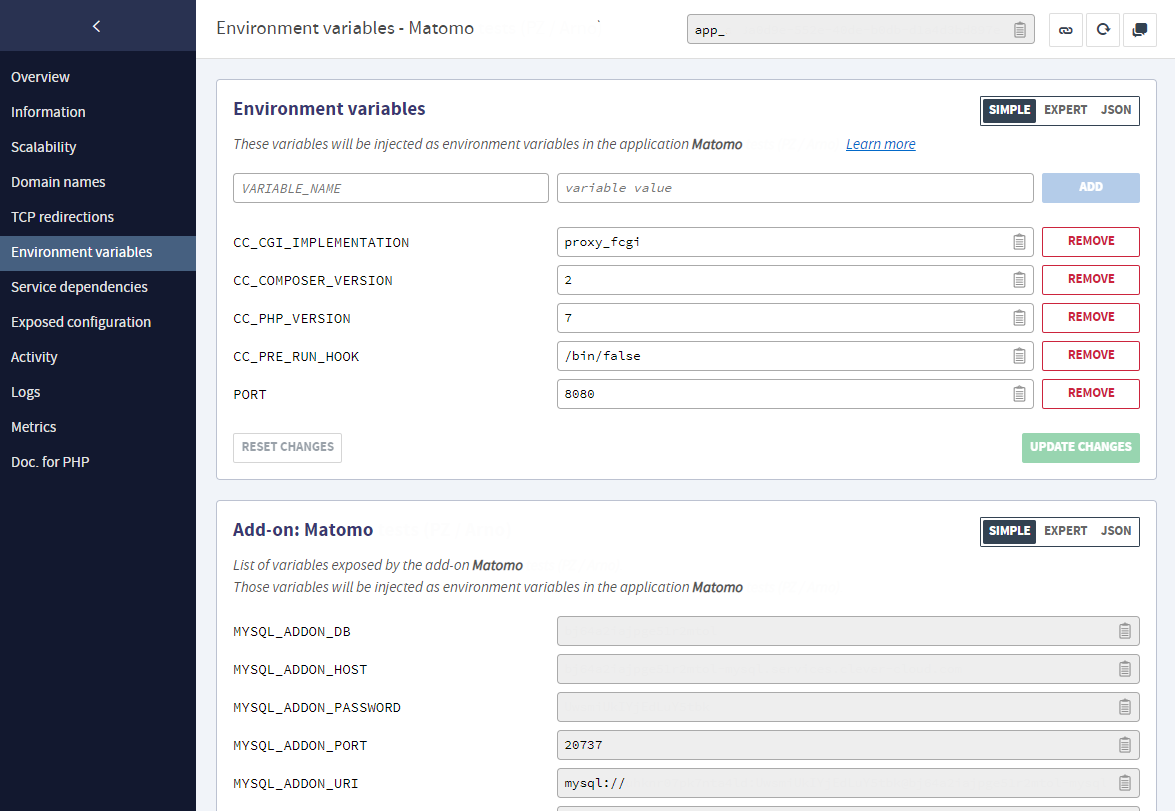
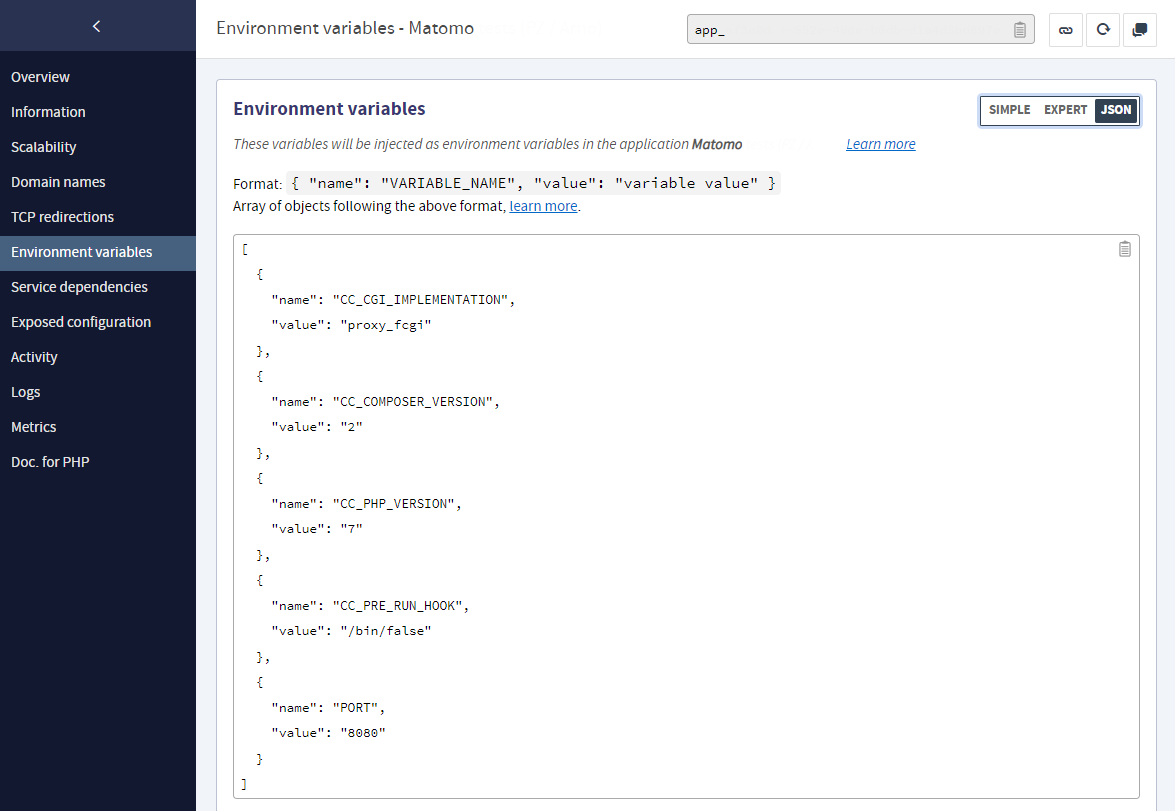
The Simple editor (left) and the new JSON one (right)
The first one displays environment variables as name/value fields, you can add or remove them depending on your needs. The other two uses editable fields, but with a text or JSON format, accordingly. When the content is modified, checks are run to inform you if there are any formatting or variable management errors.
These checks are now more strict, with one exception: in some applications, such as those in the Java ecosystem, variables name may contain a dot. In this case, they will be injected as properties and not as environment variables. The rules are detailed here. The reference of our environment variables is documented there.
The Config Provider is now using a Web Component
Please note that the new editor has been designed as a Web Component. It is thus reused to display the environment variables of add-ons and has just replaced the one used for the Config Provider which was a simple multi-lines text editing field.
As a reminder, this add-on allows you to create a list of environment variables that can be shared by different applications. To use it, you just need to integrate the Config Provider as a service dependency in their settings.
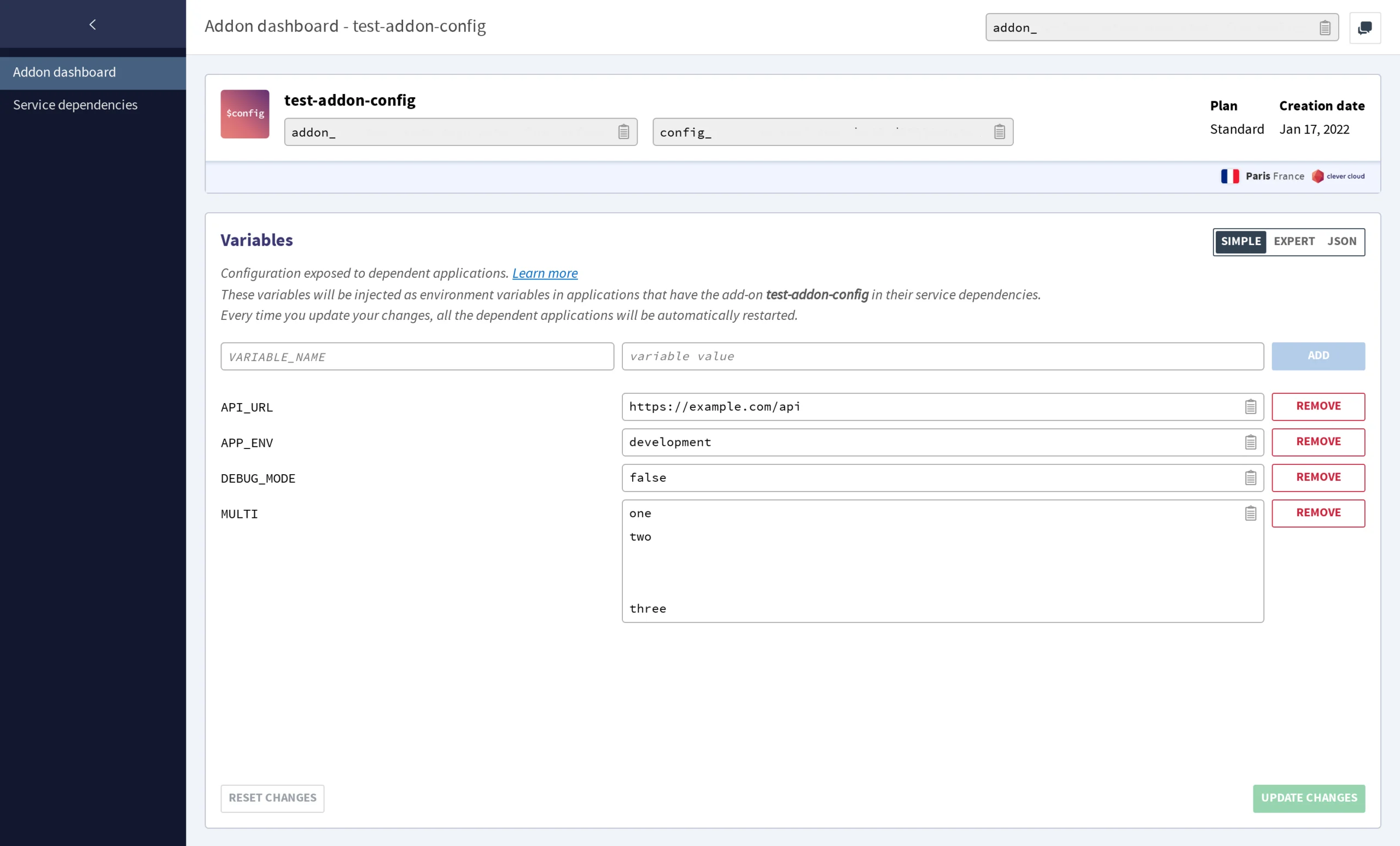

The Config Provider with the Web Component editor (left) vs the previous basic editor (right)